
Modern SSH Client
for Linux
The AI-native SSH and SFTP client for Linux. Manage servers, encrypt credentials, and automate commands — on Ubuntu, Debian, Fedora, and Arch.
Run this command in your terminal to install Rumus:
curl -f https://www.rumus.ai/install.sh | sh Auto-detects .deb / .rpm / AppImage · v0.1.22
Optimization
Built for Linux, every distro.
Rumus ships native packages for the distros and architectures real Linux users actually run — not a one-size-fits-all AppImage as an afterthought.
Universal Packages
.deb, .rpm, AUR, and AppImage. Install with your package manager — no manual extraction.
Wide Distro Support
Ubuntu 22.04+, Debian 11+, Fedora 35+, and Arch. Rolling-release friendly.
Wayland & X11
Runs natively on both display servers. GNOME, KDE, Hyprland, and tiling WMs all supported.
ARM64 Builds
First-class ARM64 binaries for Raspberry Pi, AWS Graviton, and Ampere workstations.
Infrastructure
Every server, one place.
Connect, organize, and manage all your servers without switching tools.
SSH Host Management
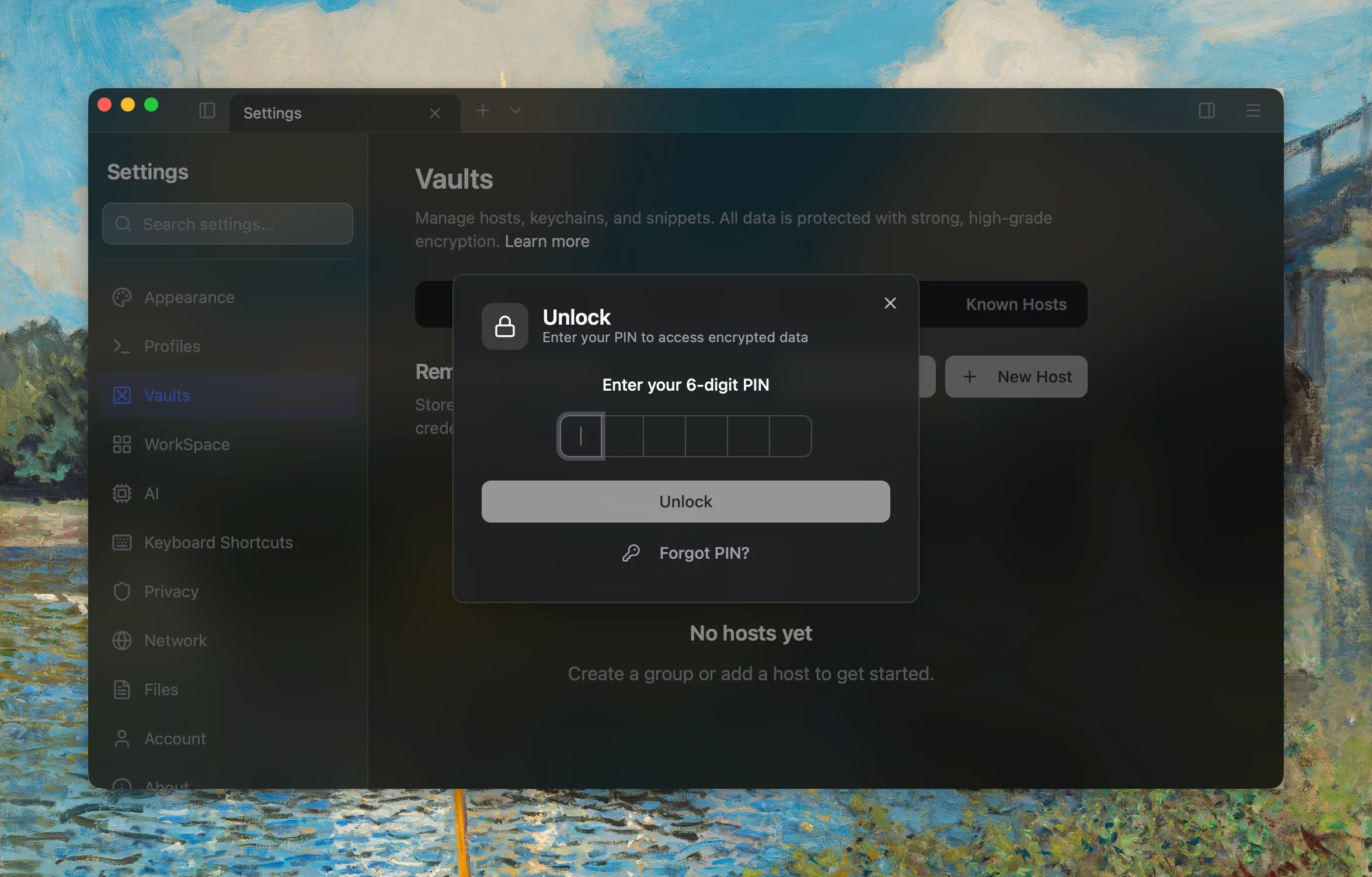
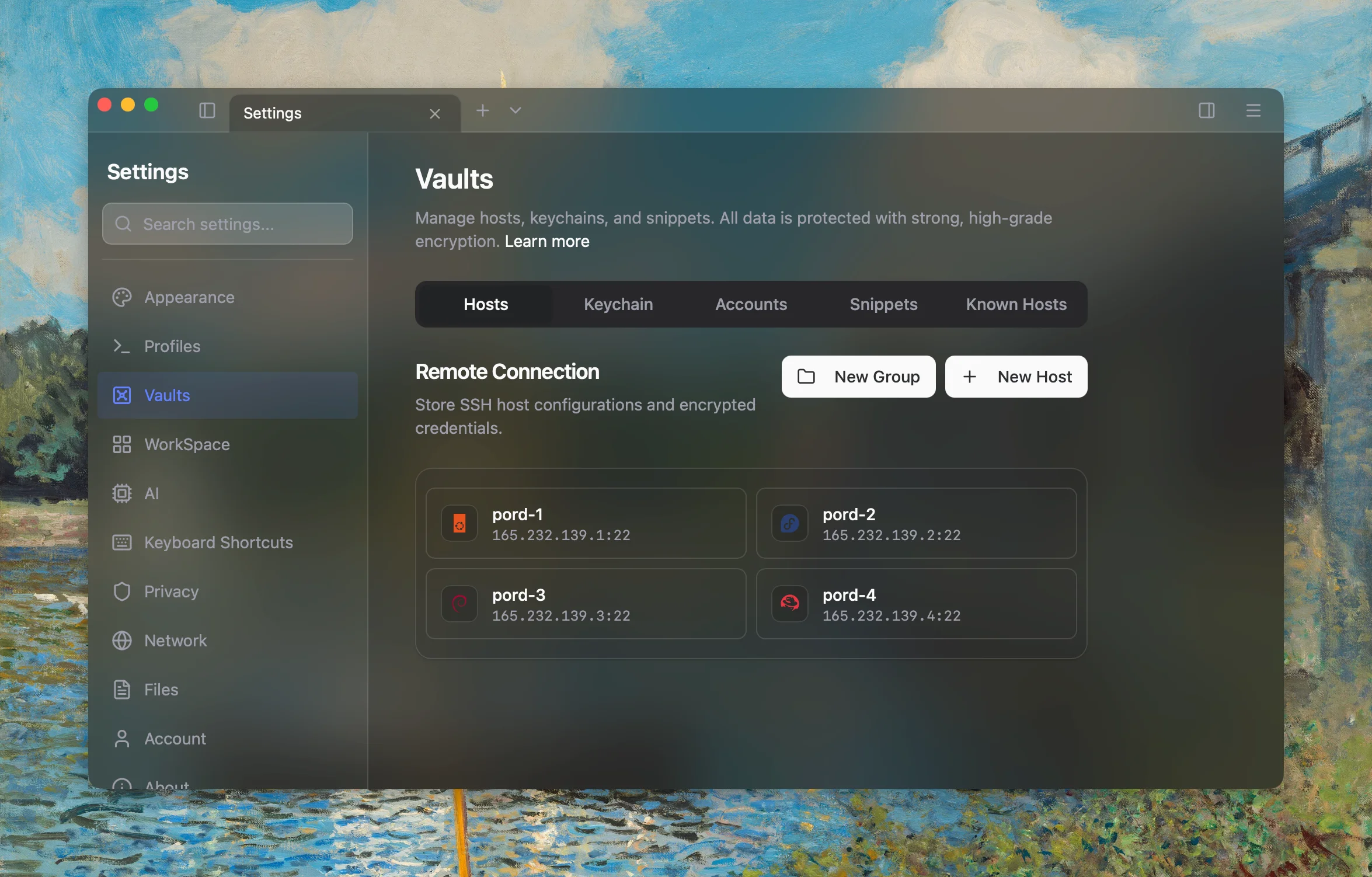
Organize servers into groups. Connect with one click via password, SSH key, or jump host chains.
Built-in SFTP
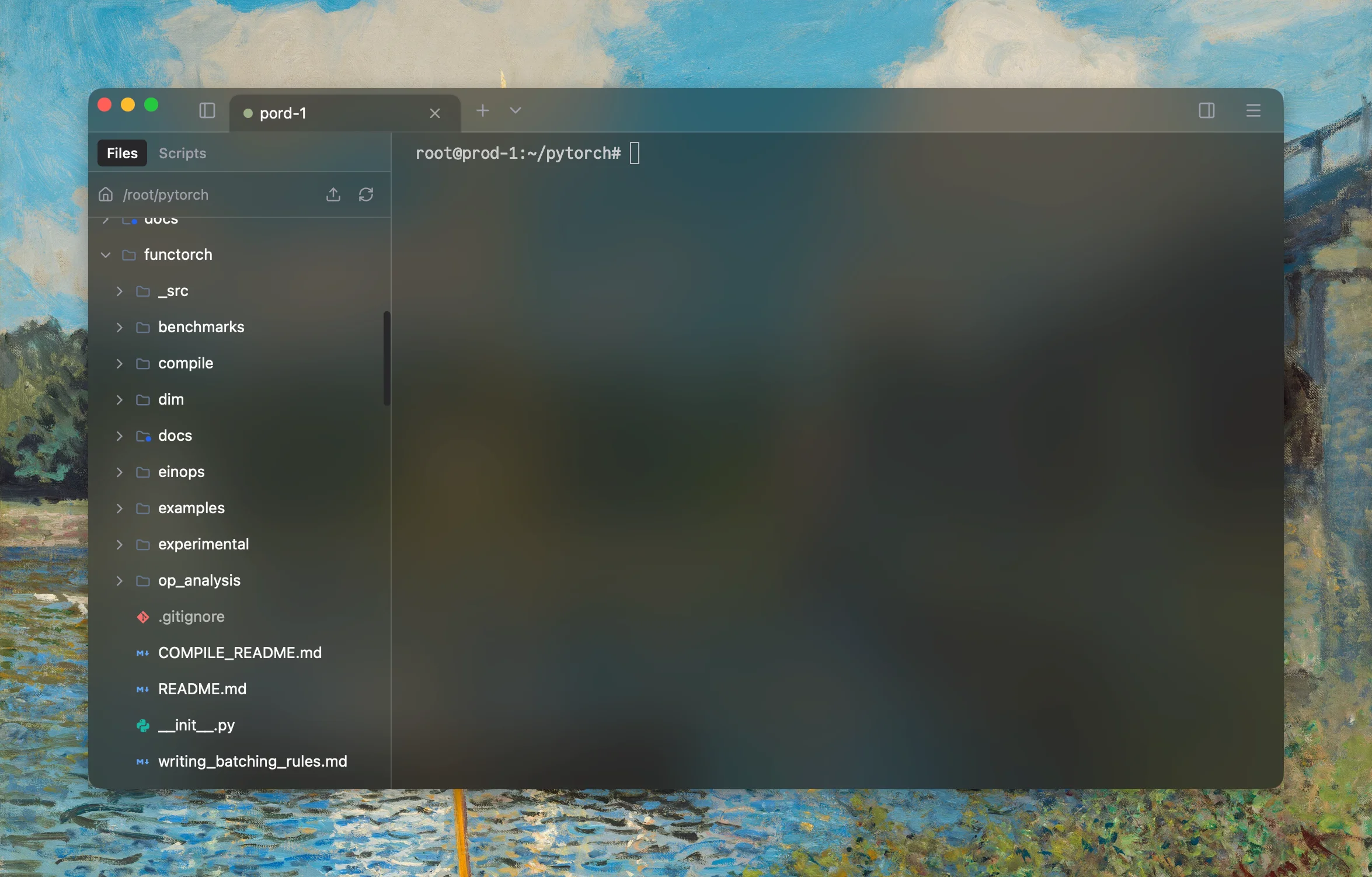
Drag-and-drop file transfer. Upload, download, and manage remote files without leaving the terminal.
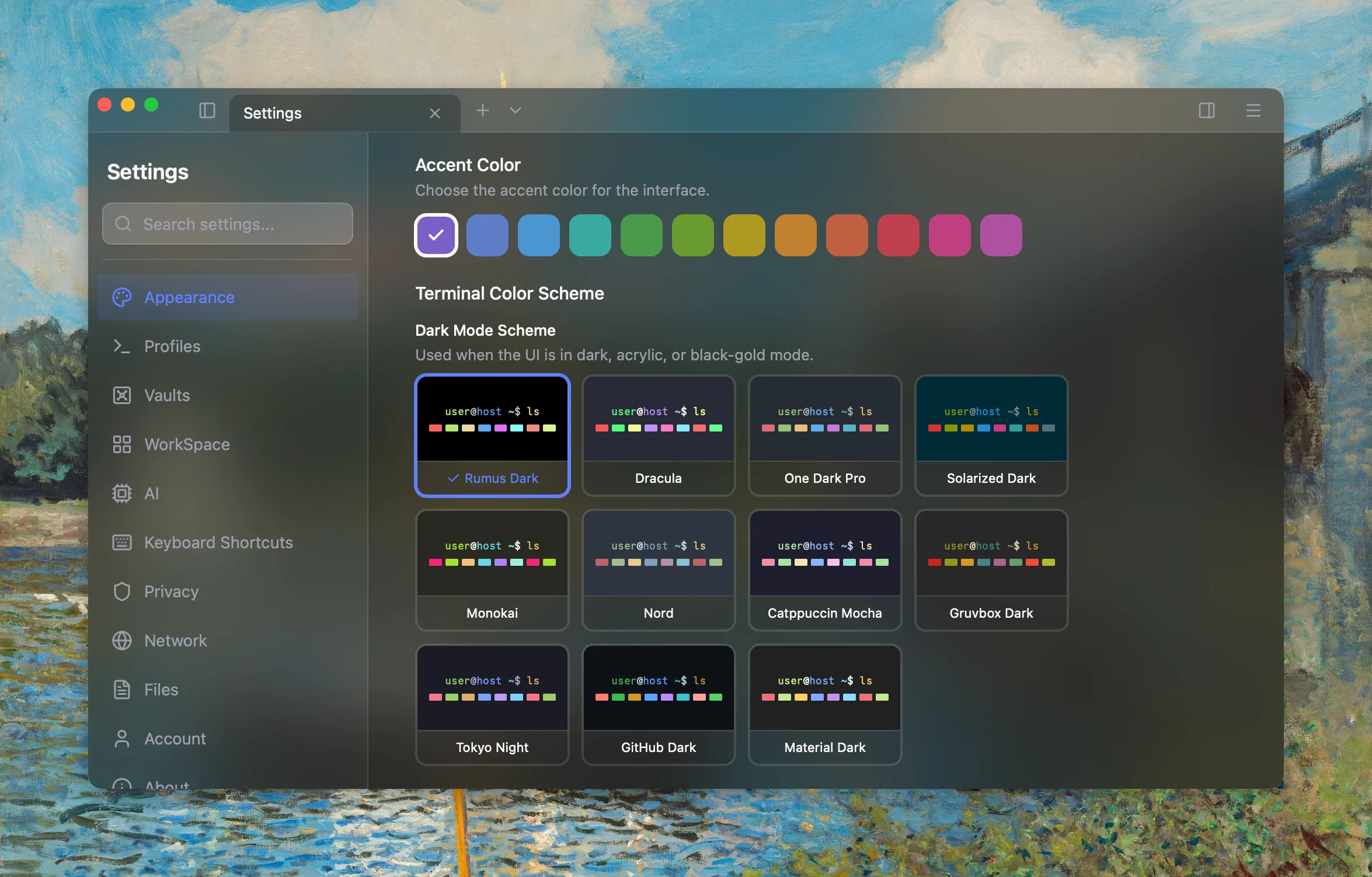
Themes & Appearance
18 built-in color schemes, 12 accent colors, adjustable transparency. Make it yours.
GPU Accelerated
Hardware-accelerated rendering. Smooth scrolling and instant response, even with heavy output.
Jump Host Chains
Chain through multiple bastion servers. Reach any host, no matter how deep the network.
Proxy Support
HTTP, HTTPS, and SOCKS5 proxies with authentication. Connect from any network.
Comparison
Why switch from GNOME Terminal?
GNOME Terminal, Konsole, and friends are great local shells. They were never designed to be SSH workstations for managing dozens of servers.
Intelligence
AI that works
in your terminal.
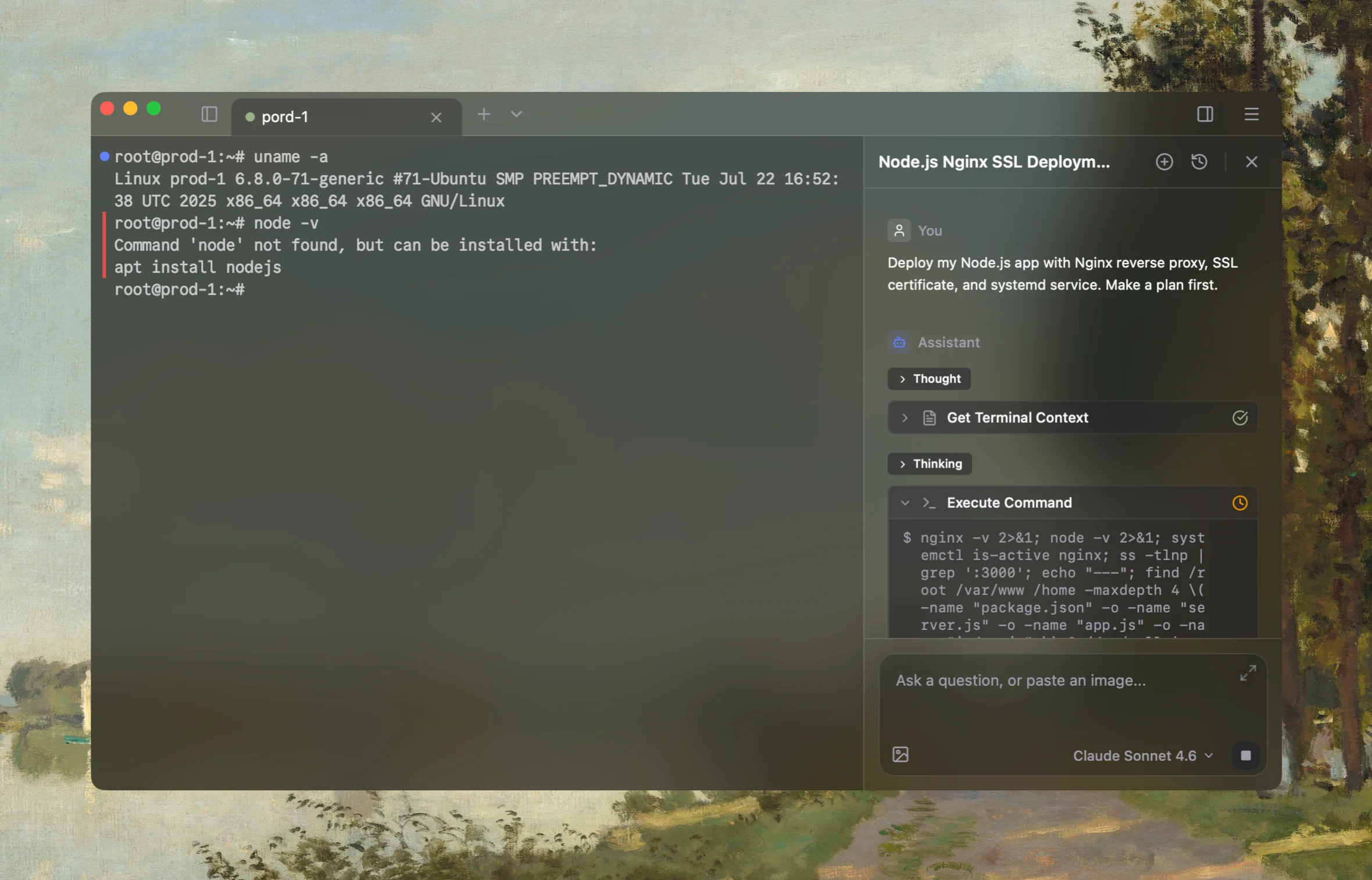
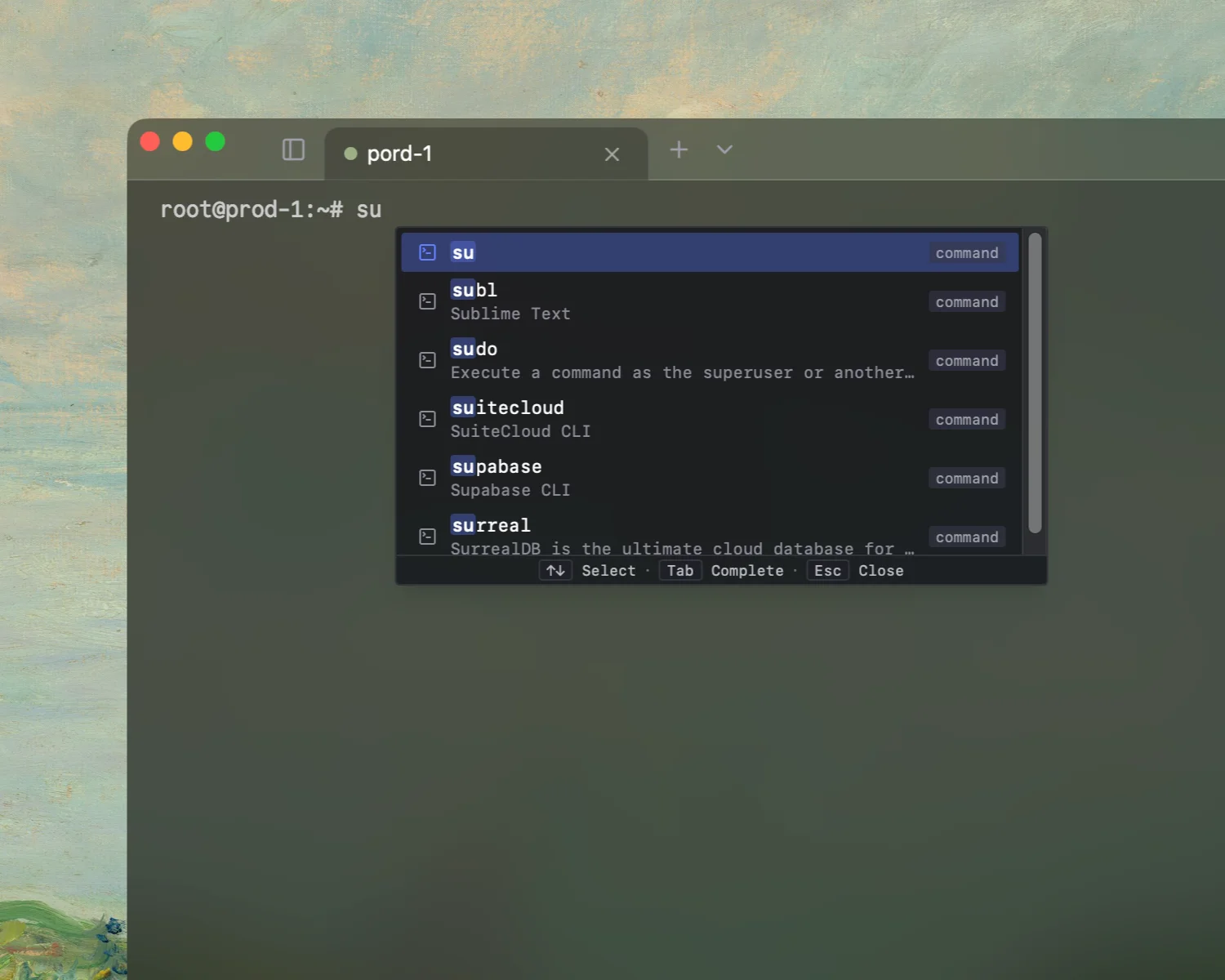
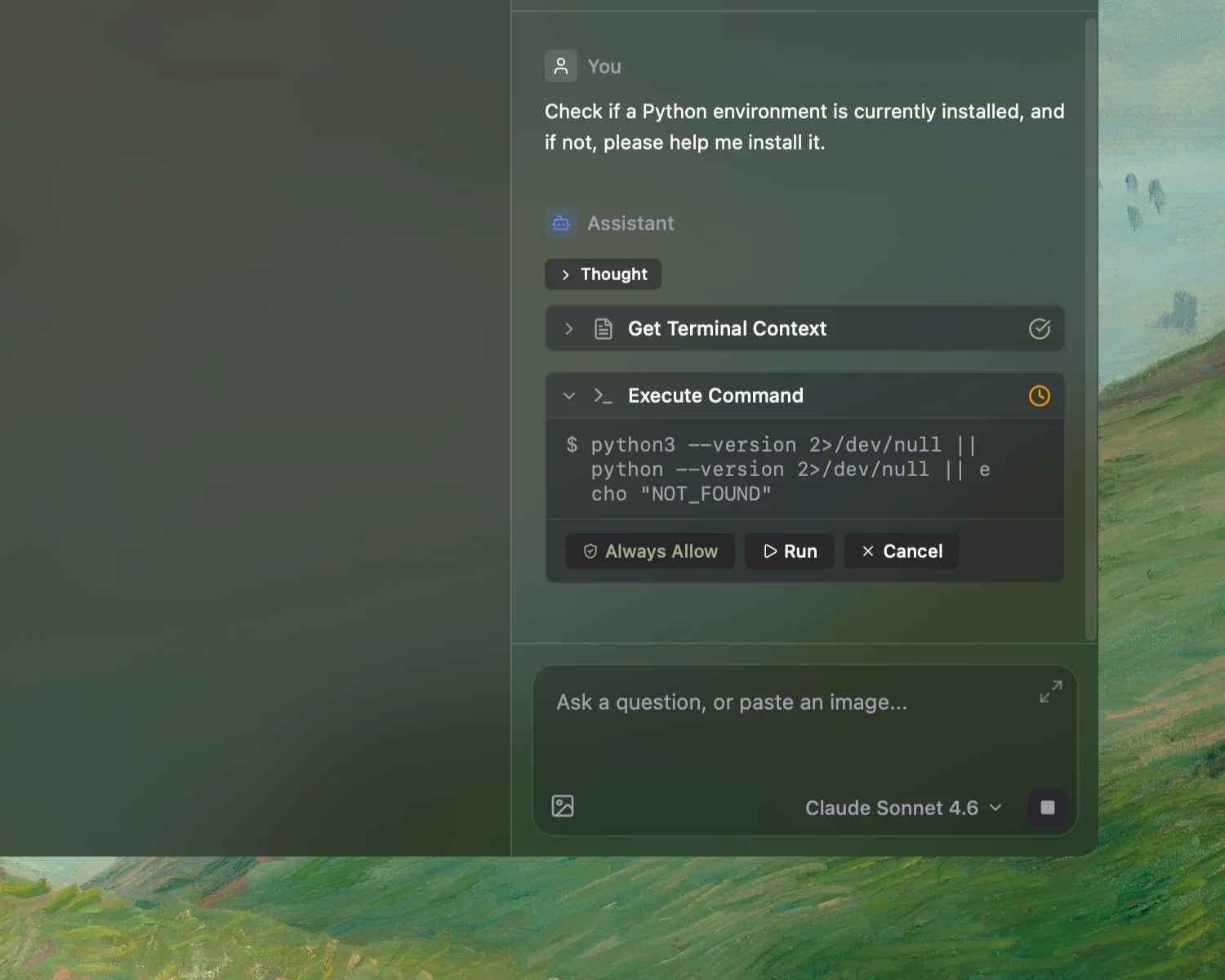
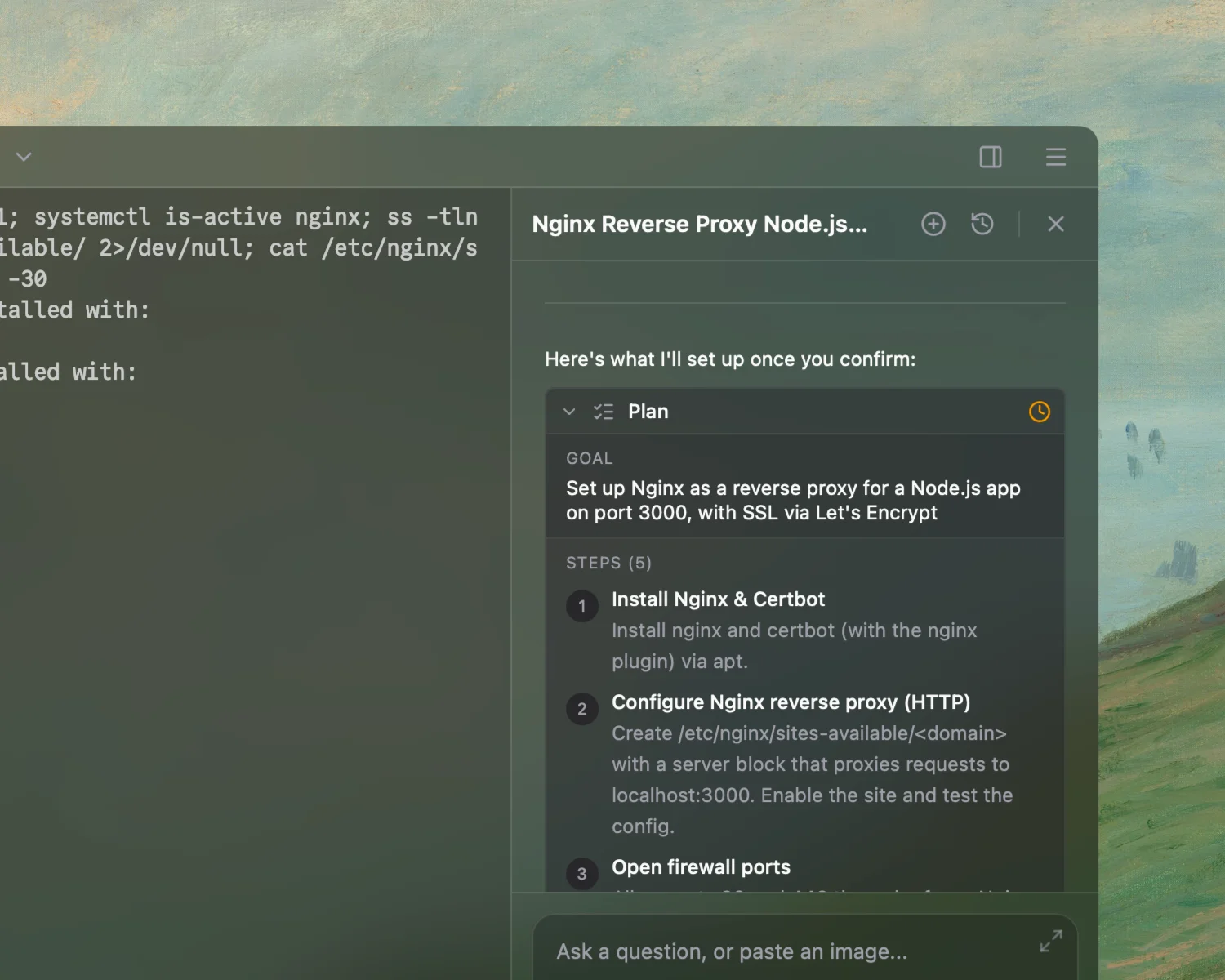
Not a chatbot. An agent that understands your context, plans multi-step tasks, and executes with your approval.
Sub Agents
Break large tasks into smaller ones and run them in parallel for faster results.
Rules
Define guardrails and instructions so the agent works the way you expect, every time.
Skills
Package reusable workflows as skills. Trigger them by name to automate repetitive tasks.
MCP
Plug in any MCP-compatible server to give the agent access to your own tools and APIs.
Built-in Search
Look up documentation, error messages, or solutions on the web without leaving your terminal.
Frontier Models
Access the latest OpenAI, Anthropic, and Google models — or run locally with Ollama.
Workspace
Your workspace. Your layout.
Terminals, monitors, and docs — arranged the way you think, not the way your tools force you to.
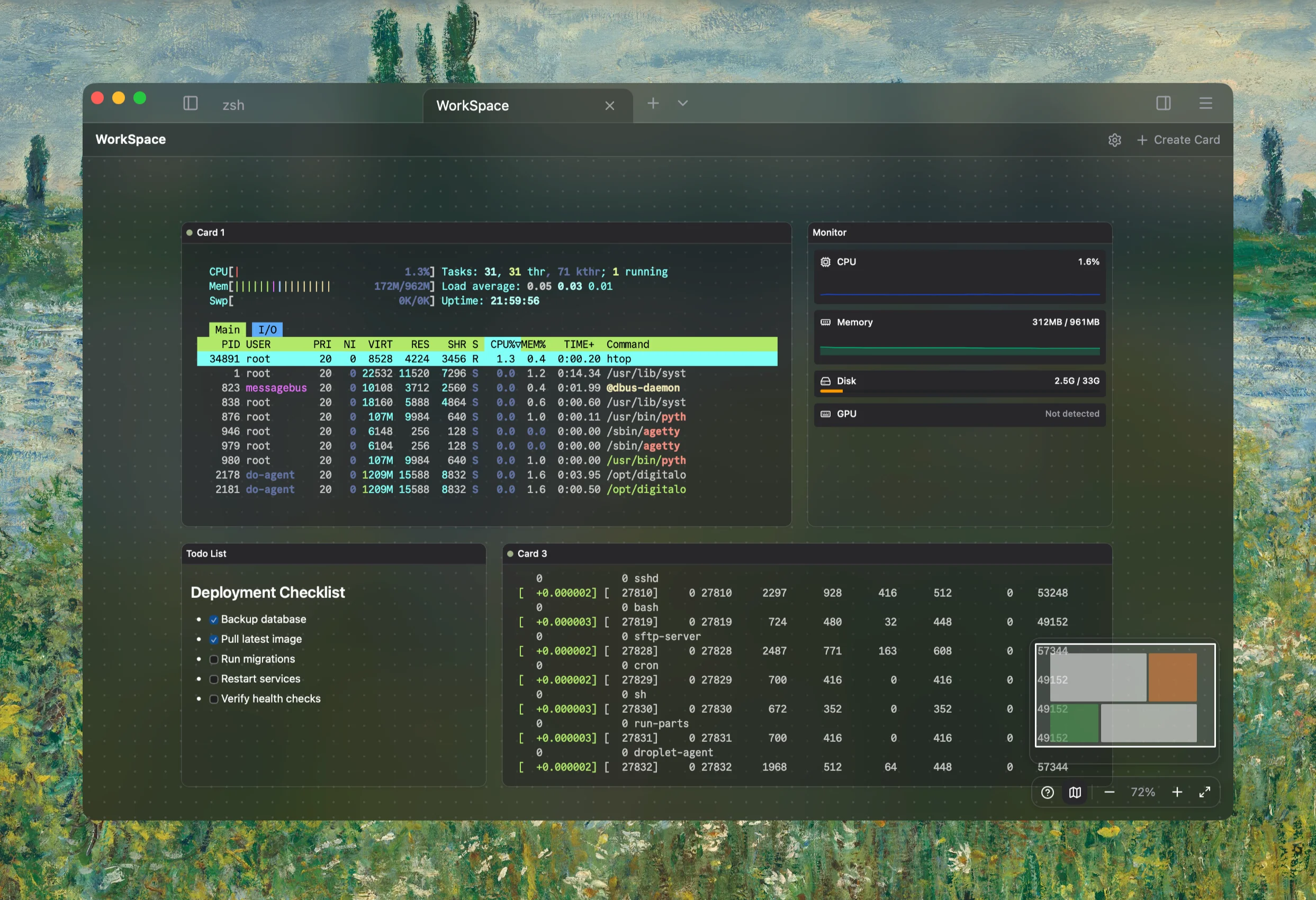
Custom Layouts
Arrange cards freely on an infinite canvas.
Send to All Terminals
One command, every server.
Real-time Monitoring
CPU, memory, disk, GPU — live on your canvas.
Loved by developers
"Exquisitely designed, it perfectly integrates AI with the terminal."
@Wang zixu
"The most intuitive next-gen terminal I've used. Not only is it beautifully designed, but it feels like having an engineer pair programming with me."
@Kawhi
"Integrating AI right into the terminal is such a smart move—no more switching between windows. Plus it looks gorgeous, and I use the autocomplete all the time."
@endto.ai
"I tried Rumus for the first time and am very satisfied. It has a clean interface, engaging features, and a built-in AI assistant. Although it is still in the early stages of development, it can be foreseen that it will become a very good software in the future."
@LuQQ
"The most beautiful and powerful terminal I've experienced. Its AI agents understand context, predict commands, and automate tasks effortlessly—all in one intelligent flow."
@donny.rui
"It's a cross-platform terminal with built-in AI that actually saves time. The autocomplete feels like it reads your mind on server work. Plus the UI is gorgeous—custom themes, frosted glass, modern elegance!"
@扎西德勒
Ready to simplify
your workflow?
One terminal for all your machines. macOS, Windows, and Linux.
Run this command in your terminal to install Rumus:
curl -f https://www.rumus.ai/install.sh | sh Auto-detects .deb / .rpm / AppImage · v0.1.22