
現代 SSH 用戶端
專為 Windows 打造
在原生終端機中管理伺服器、加密憑證並以 AI 自動化指令,支援 x64 與 ARM64。

基礎設施
所有伺服器, 集中在一處。
連線、整理與管理全部伺服器,不必在多個工具之間切換。
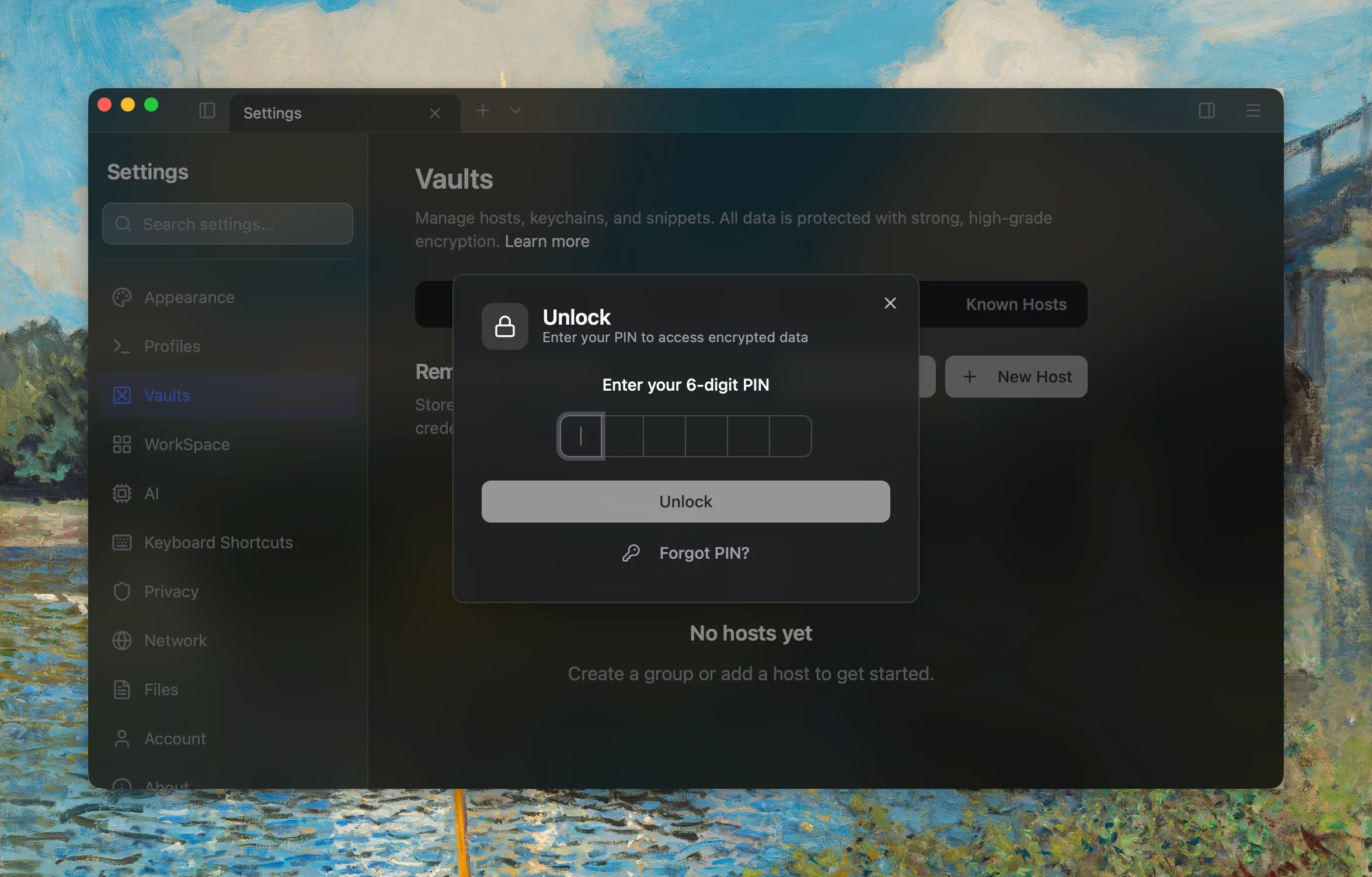
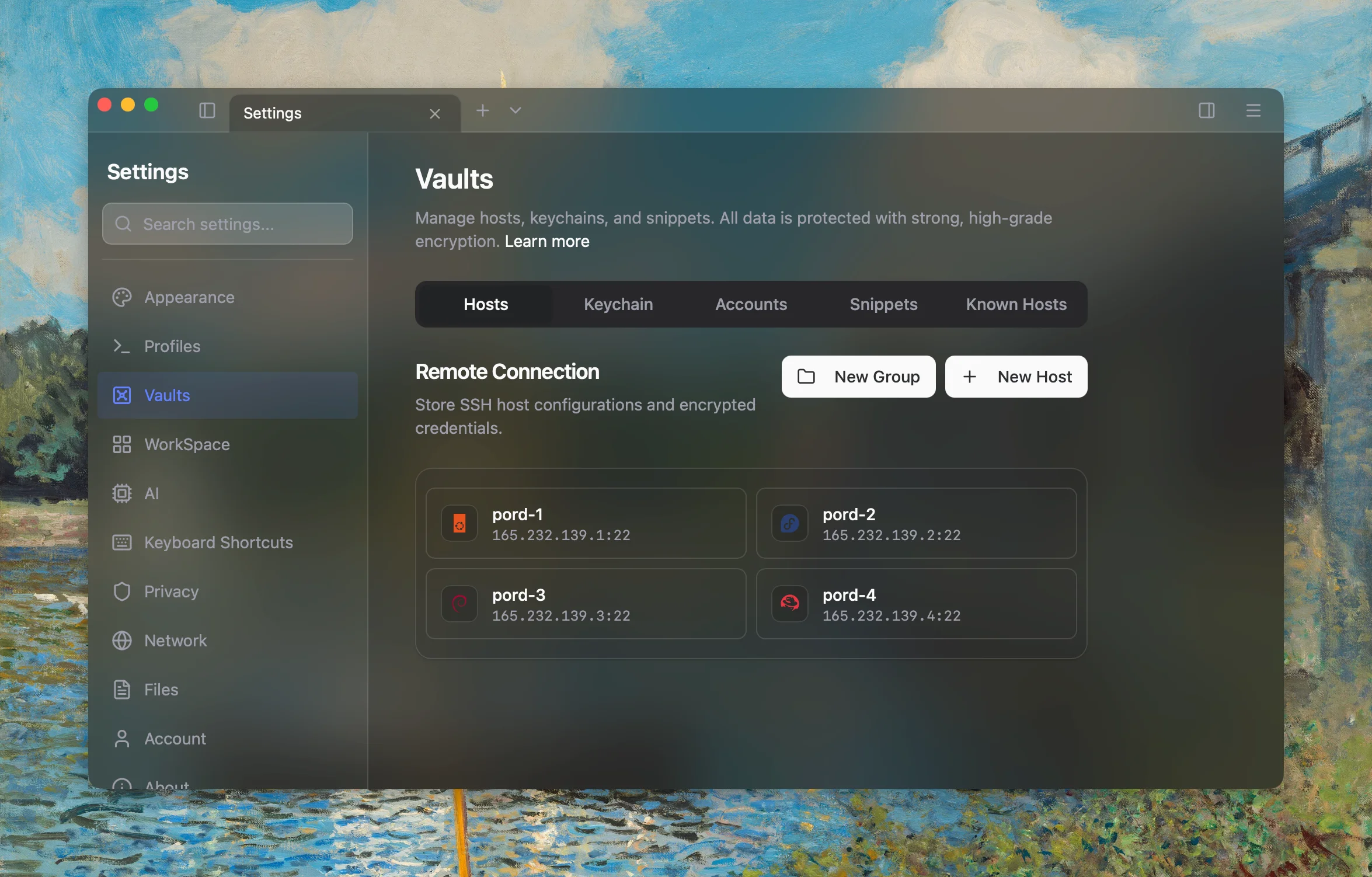
SSH 主機管理
依群組整理伺服器,使用密碼、SSH 金鑰或跳板主機鏈一鍵連線。
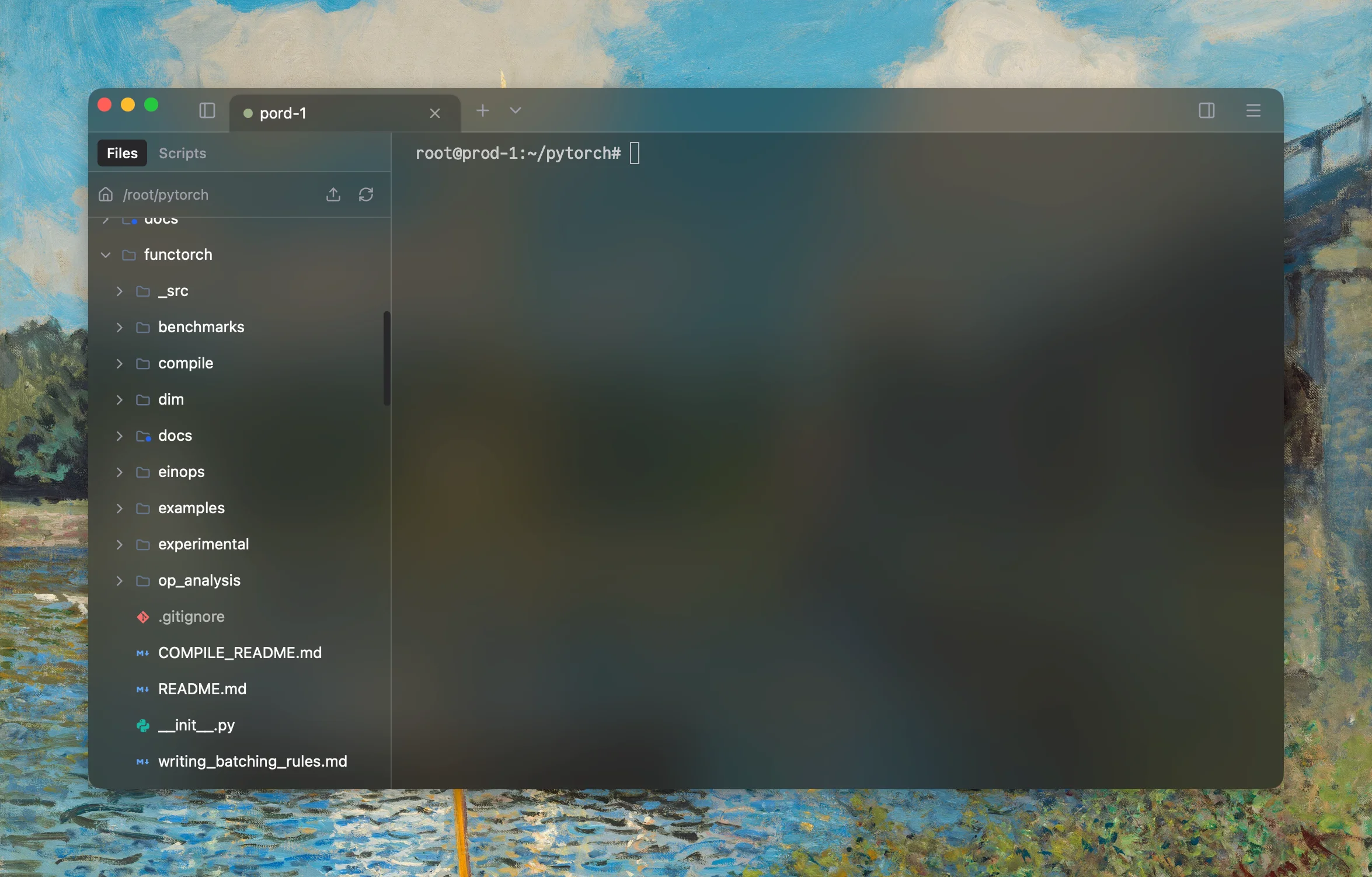
內建 SFTP
拖放即可傳輸檔案,在終端機內完成上傳、下載與遠端檔案管理。
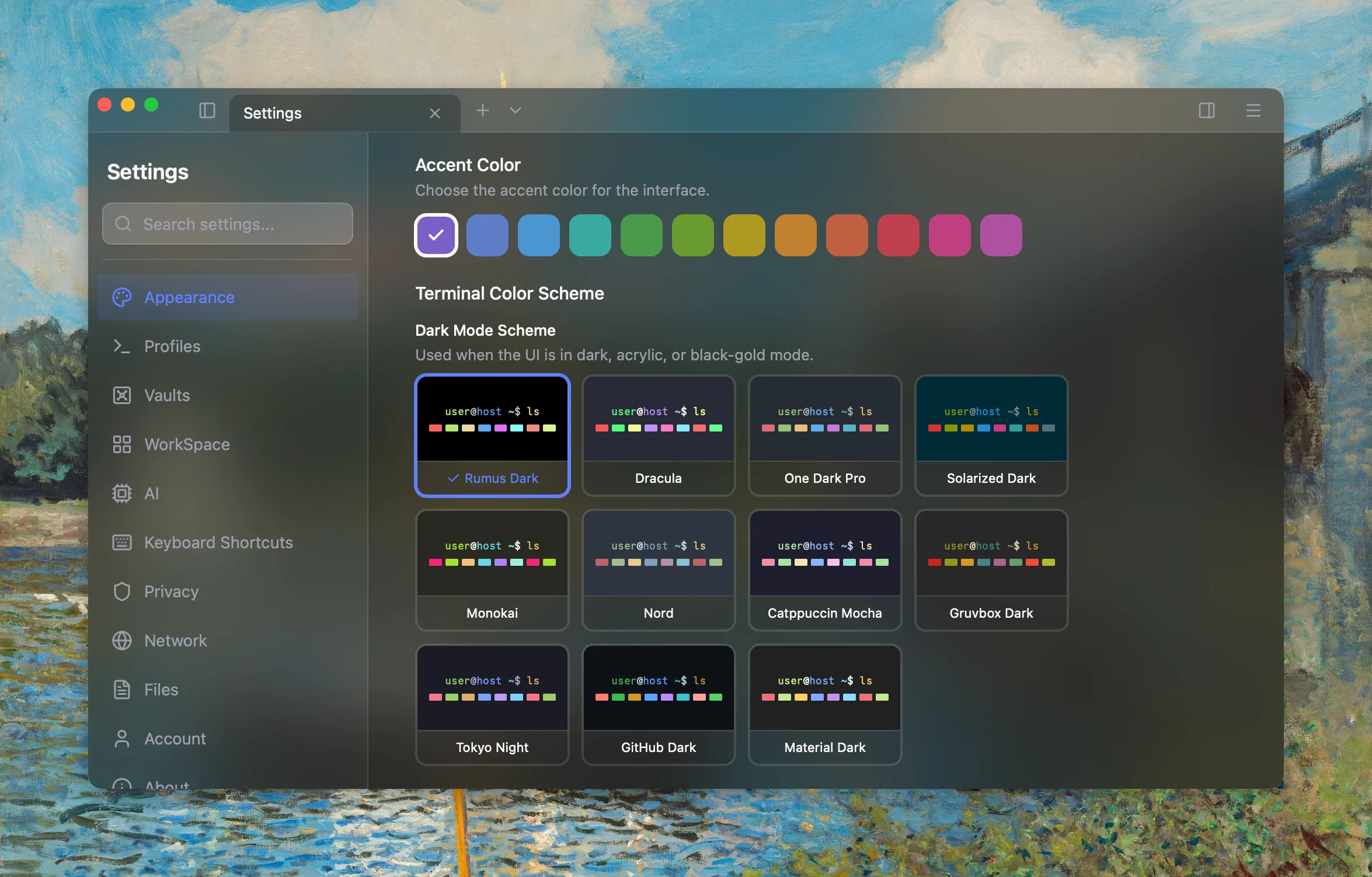
主題與外觀
18 套配色、12 種強調色和可調透明度,打造專屬終端機。
GPU 加速
硬體加速渲染,即使大量輸出也能流暢捲動、即時回應。
跳板主機鏈
串接多台堡壘主機,無論目標藏在網路多深處都能存取。
代理支援
支援驗證的 HTTP、HTTPS 與 SOCKS5 代理,適用各種網路。
智慧
真正能工作的 AI
就在你的終端機裡。
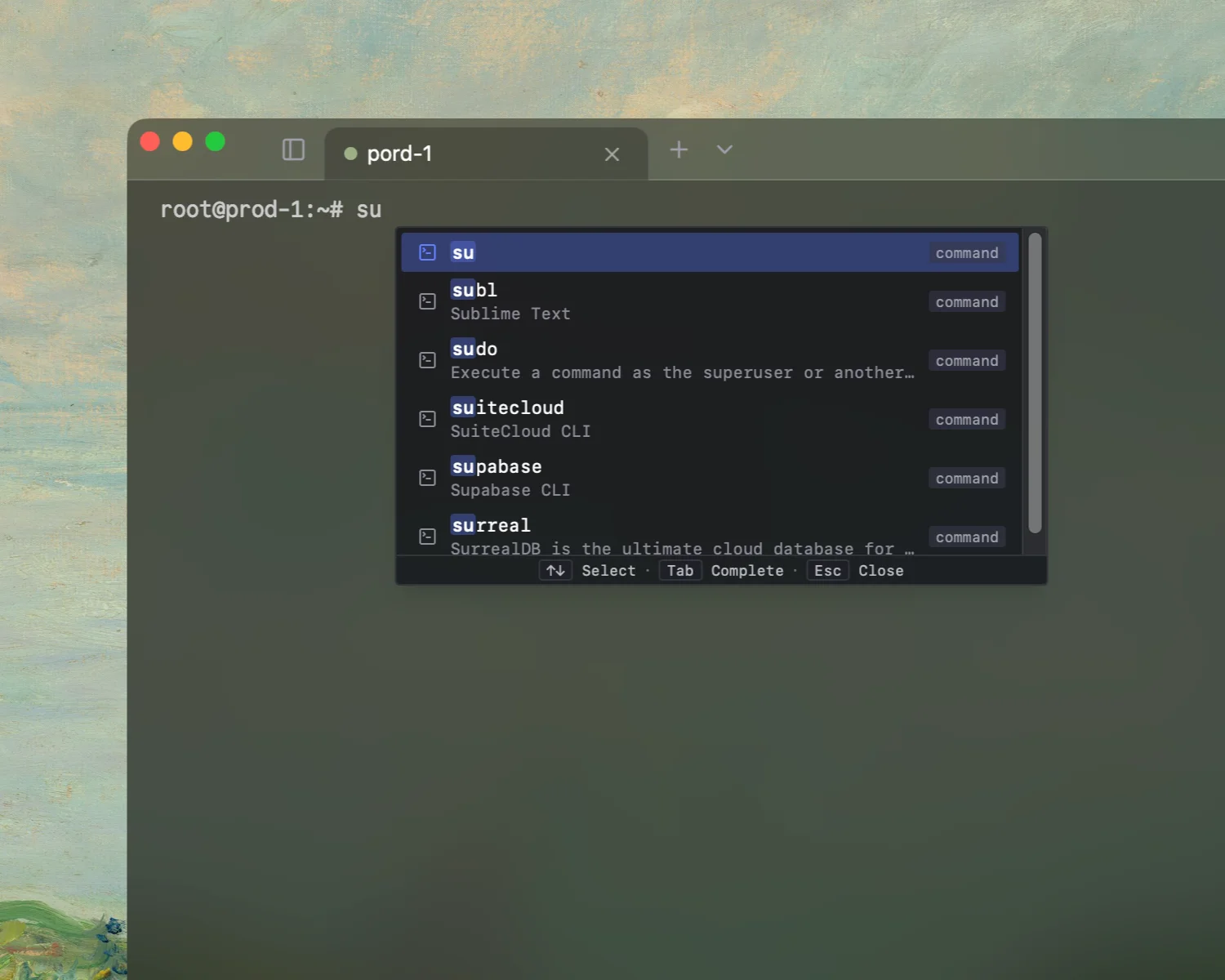
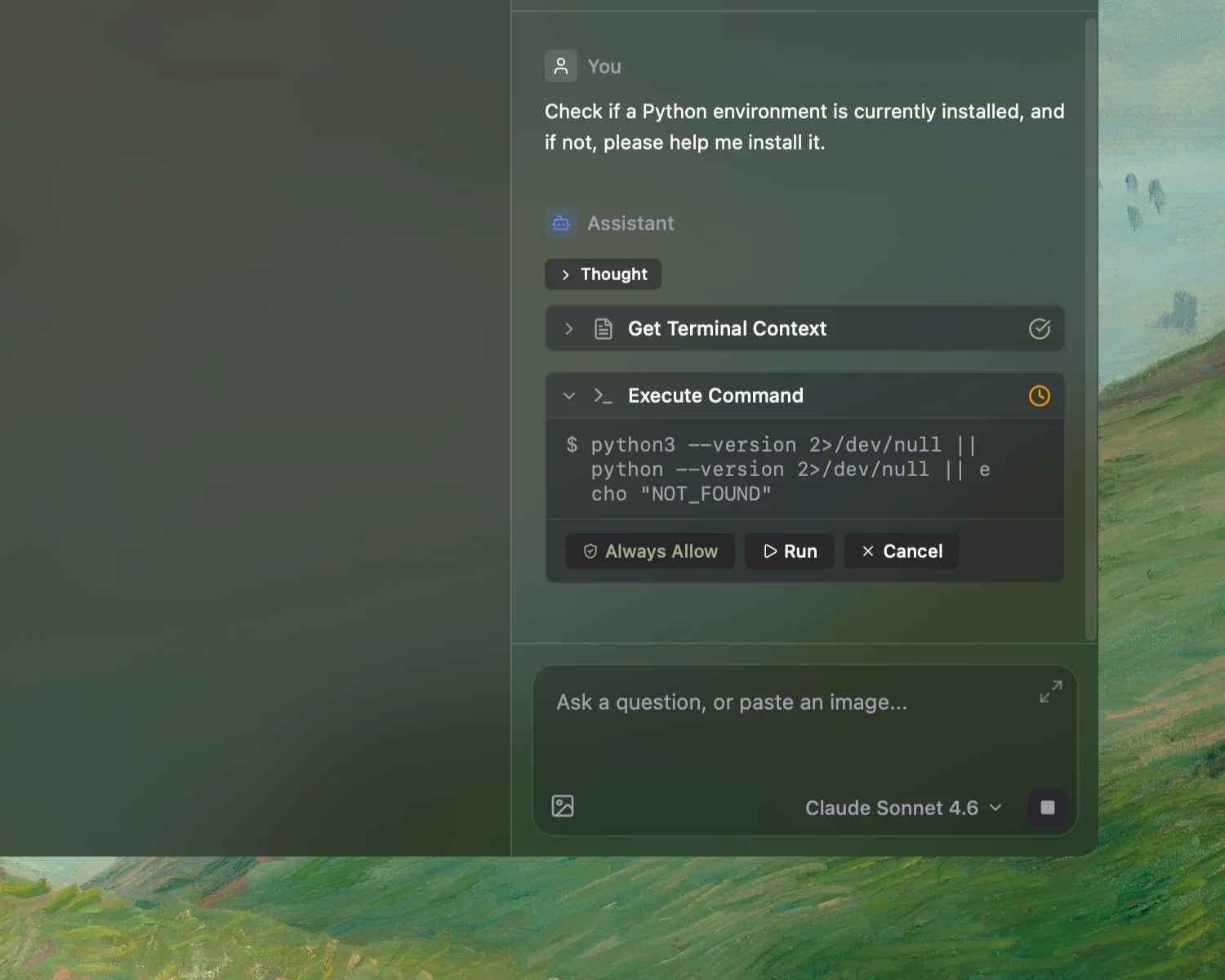
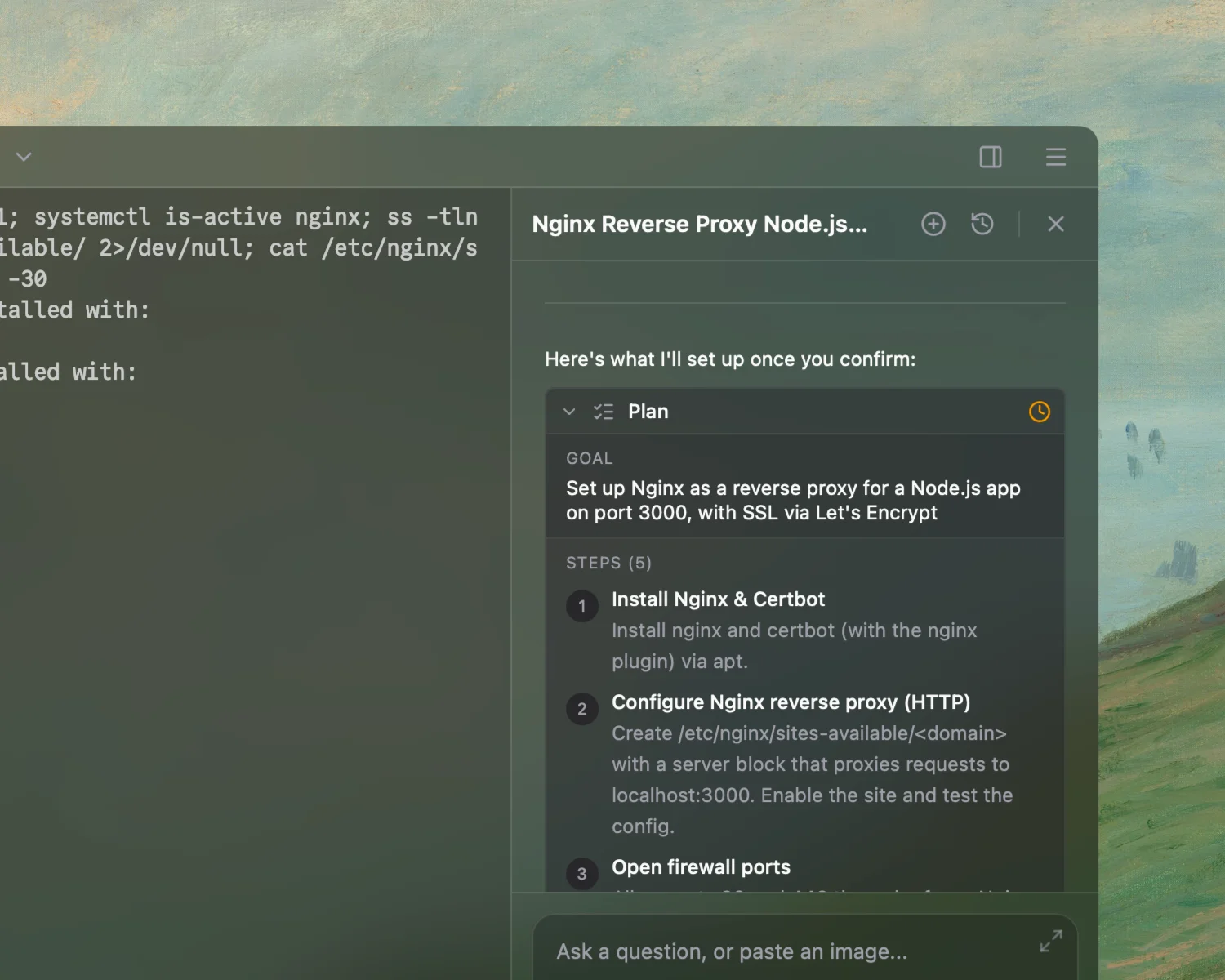
它不是聊天機器人,而是能理解情境、規劃多步驟任務,並在你確認後執行的智慧代理。
子代理
拆分大型任務並行處理,更快取得結果。
規則
設定界線與指示,讓代理每次都依照你的方式工作。
技能
將可重複使用的流程封裝為技能,以名稱即可觸發自動化。
MCP
連接相容 MCP 的伺服器,讓代理使用你的工具與 API。
內建搜尋
不用離開終端機,即可查找文件、錯誤訊息與解決方案。
前沿模型
使用最新 OpenAI、Anthropic 與 Google 模型,也能透過 Ollama 在本機執行。
工作區
你的工作區, 你的版面配置。
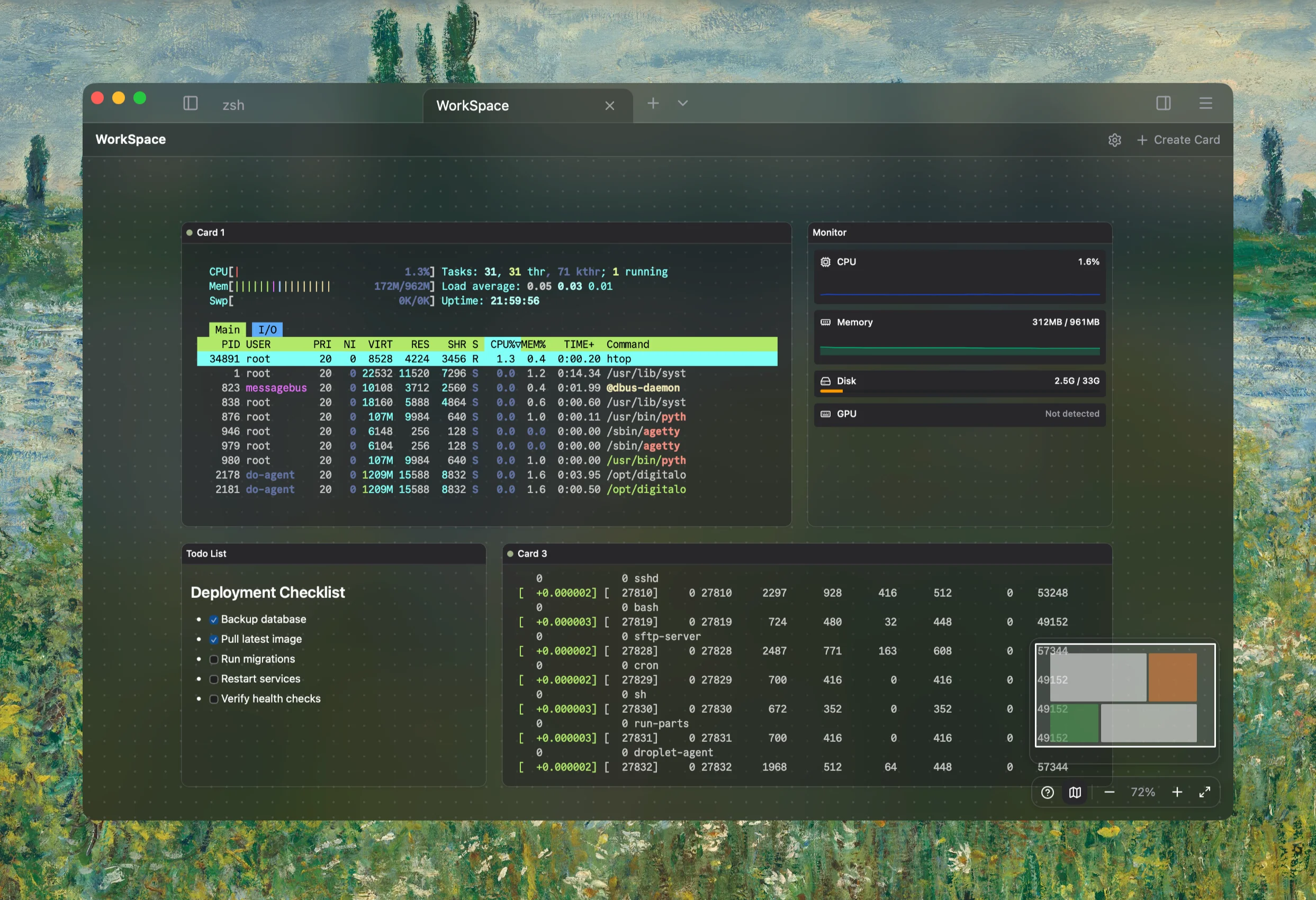
終端機、監控與文件,依照你的思考方式自由排列,不再受工具限制。
自訂版面
在無限畫布上自由排列卡片。
傳送至所有終端機
一條指令,同時送到每台伺服器。
即時監控
在畫布上即時查看 CPU、記憶體、磁碟與 GPU。
深受 開發者喜愛
"Exquisitely designed, it perfectly integrates AI with the terminal."
@Wang zixu
"The most intuitive next-gen terminal I've used. Not only is it beautifully designed, but it feels like having an engineer pair programming with me."
@Kawhi
"Integrating AI right into the terminal is such a smart move—no more switching between windows. Plus it looks gorgeous, and I use the autocomplete all the time."
@endto.ai
"I tried Rumus for the first time and am very satisfied. It has a clean interface, engaging features, and a built-in AI assistant. Although it is still in the early stages of development, it can be foreseen that it will become a very good software in the future."
@LuQQ
"The most beautiful and powerful terminal I've experienced. Its AI agents understand context, predict commands, and automate tasks effortlessly—all in one intelligent flow."
@donny.rui
"It's a cross-platform terminal with built-in AI that actually saves time. The autocomplete feels like it reads your mind on server work. Plus the UI is gorgeous—custom themes, frosted glass, modern elegance!"
@扎西德勒